Enterprise SSO
Configure enterprise Single Sign-On providers for your workspace
This feature is available to users on our Ultra plan and up.
Overview
You can configure enterprise Single Sign-On providers for your workspace.
This is configured in your workspace settings under General > Enterprise SSO.
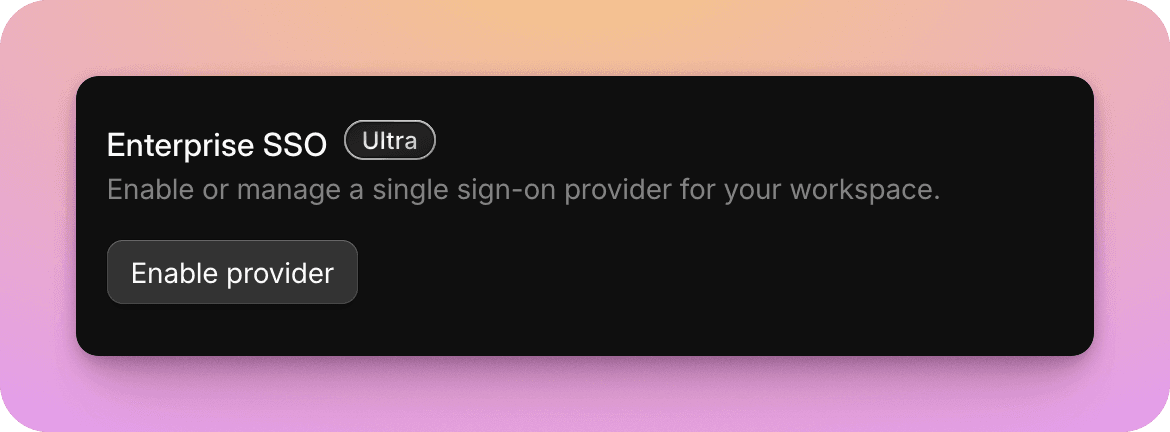
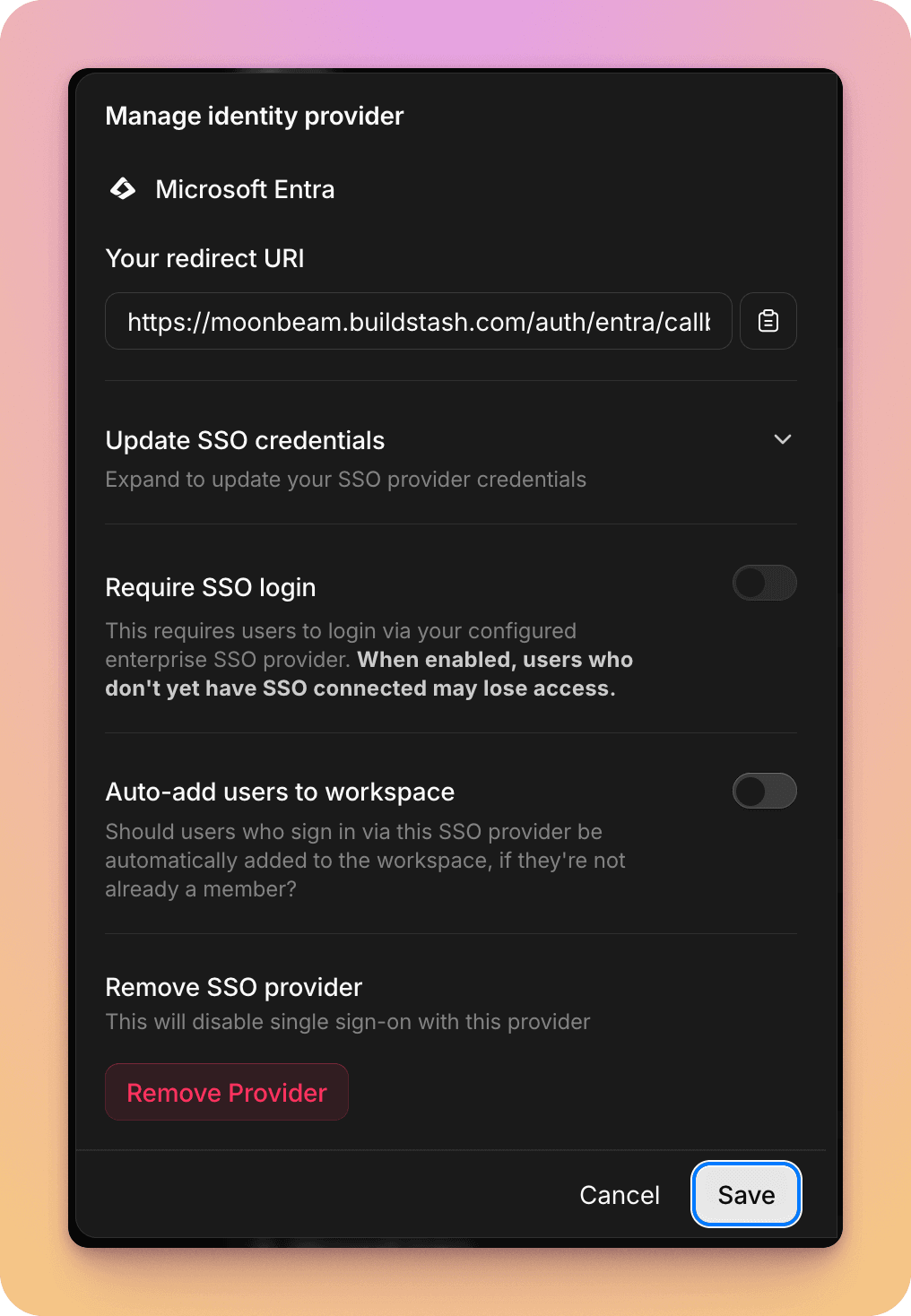
When enabling a provider you have a number of options:
- Require SSO login? You have the option of whether you would like only allow your workspace users to login via this SSO provider, or also retain access via their Buildstash username and password. If they're a member of multiple Buildstash workspaces, they will always have to confirm SSO access when switching to your workspace.
- Whether SSO users should be auto-provisioned with a Buildstash account with workspace access, if they sign in via this SSO provider, but don't have an existing Buildstash account.
For full steps on configuration an Enterprise SSO provider, see the documentation for the specific provider you're using.