Streams & retention
Configure build streams and retention policies
Introduction
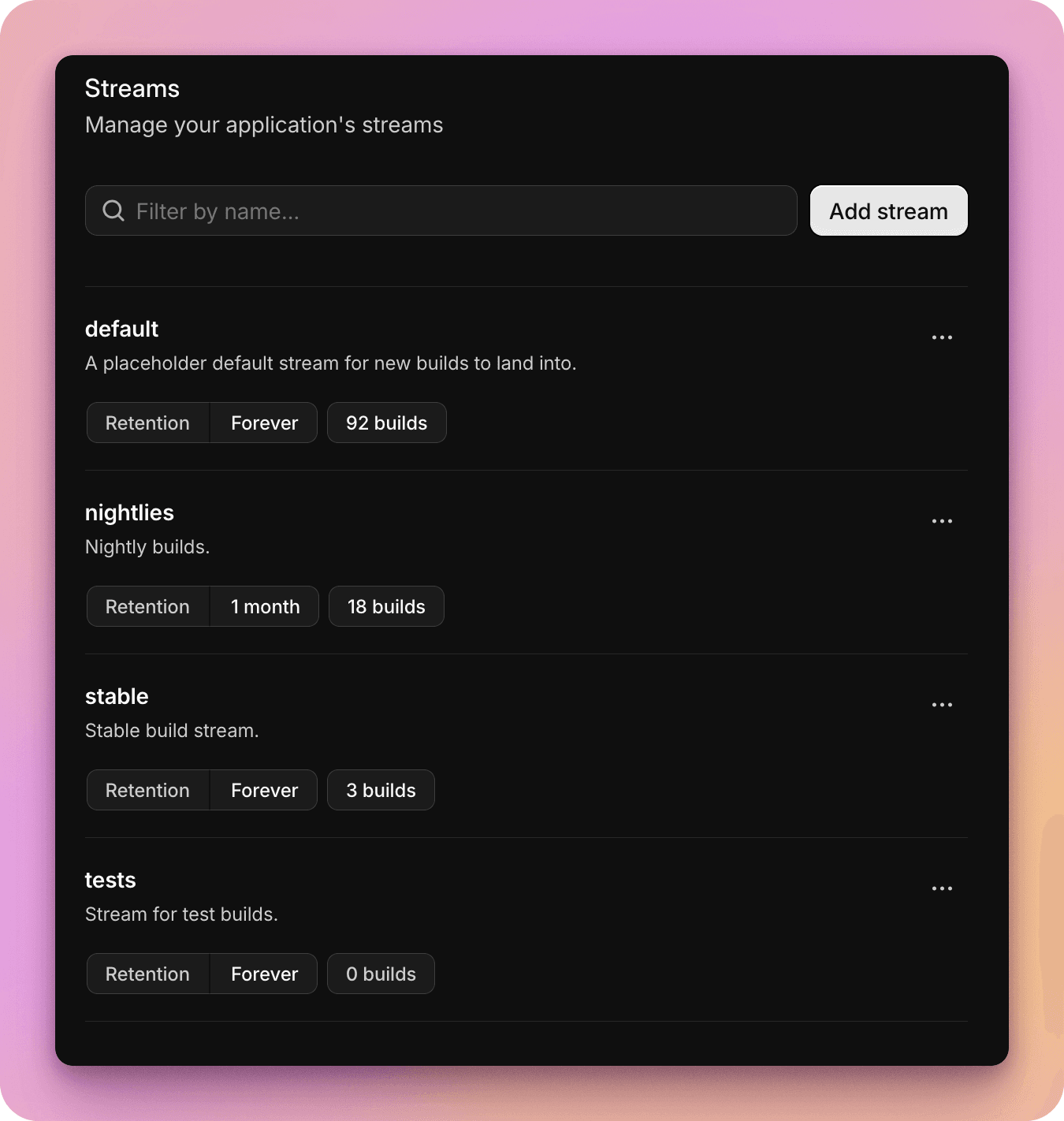
All builds in Buildstash exist within a single stream.
Streams are fully customizable to fit your workflow, but default and suggested streams include nightlies, stable, and tests. You can also have a default stream to fall back to, if you prefer.
You specify which stream a build goes into when it's uploaded, and can move builds between streams as they make their way their your workflows.
For example, you may wish to "promote" a build from a beta stream to a production stream if it's signed off for publishing.
Manage available build streams
You can manage the streams available to your application in application settings > Streams.
Retention policies
Retention policies can be configured on a per-stream basis. By default, builds are kept forever.
You may however wish to vary how long you keep builds by stream. Maybe it makes sense to keep production builds forever, but only keep your last 30 days of nightlies.
You can fully customize these policies to suit your workflows and preferred retention.
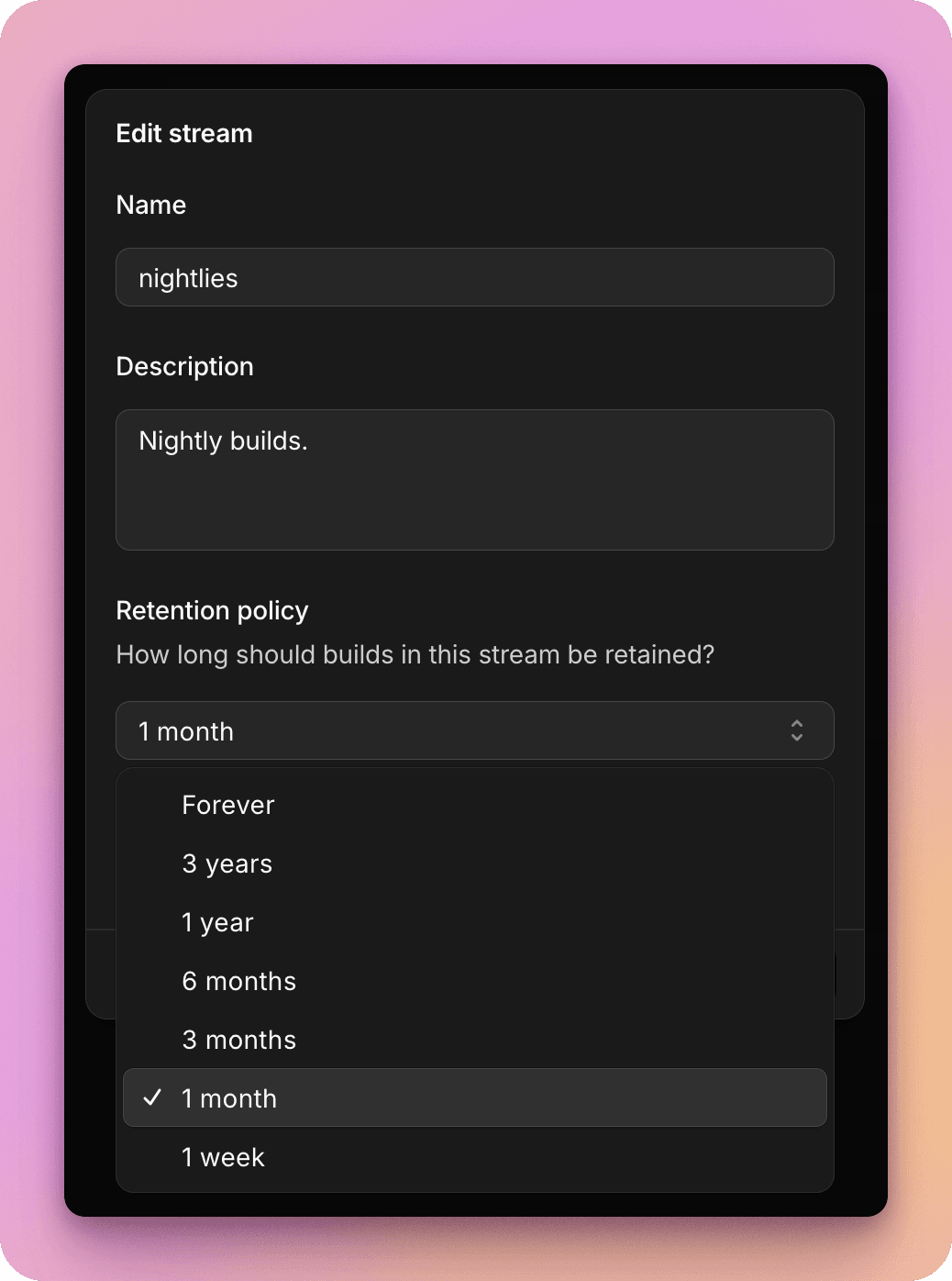
Note that the stream a build is in defines the base retention policy which will be applied to it, but it can also be overridden in a few different ways:
- Even though a stream may have a retention policy of less than "Forever", you can toggle a specific build to be kept forever in the build settings
- Builds with active public share links will never be deleted while those links remain active
- Builds attached to a release will never be deleted, unless later removed from that release or if the release is deleted
Move builds between streams
When you upload a build you'll specify which stream to upload to, whether via web uploader, CI/CD integration, or API.
You can move a build to a different stream post-upload to suit your workflow.
Filter by stream
You can filter builds in your application by stream.
Default streams for new applications
Streams are customizable on a per-application basis, but to avoid having to define these every time you create a new application, you can define "default streams" which will be used for all new applications you create in your workspace settings.
You can customize default stream name, description, and retention policy.