Managing groups
Share releases with distribution groups via email
Introduction
Distribution groups are a convenient way to share releases out to a group of users - whether internal workspace members or users outwith your workspace.
Releases can selectively shared with a group, which will in turn automatically notify all members of that group of the new release, with a link directly to download emailed to them.
Managing groups
Manage your distribution groups under the "Distribution" tab.
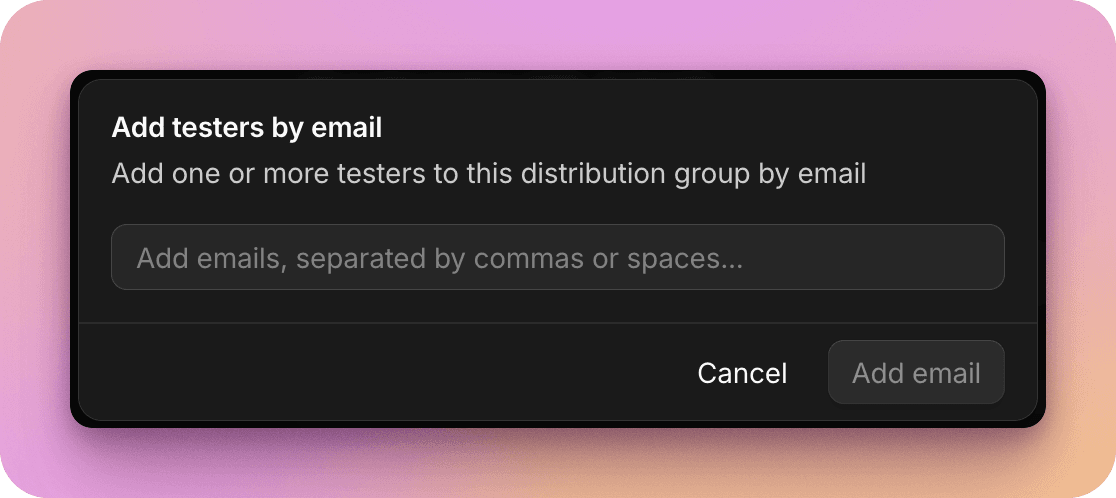
You can add both internal workspace users, and invite external users via email to the group.
Selecting a current group, you'll see a summary of current members, and releases that are currently available to that group.
Share a release
To share a release with a group:
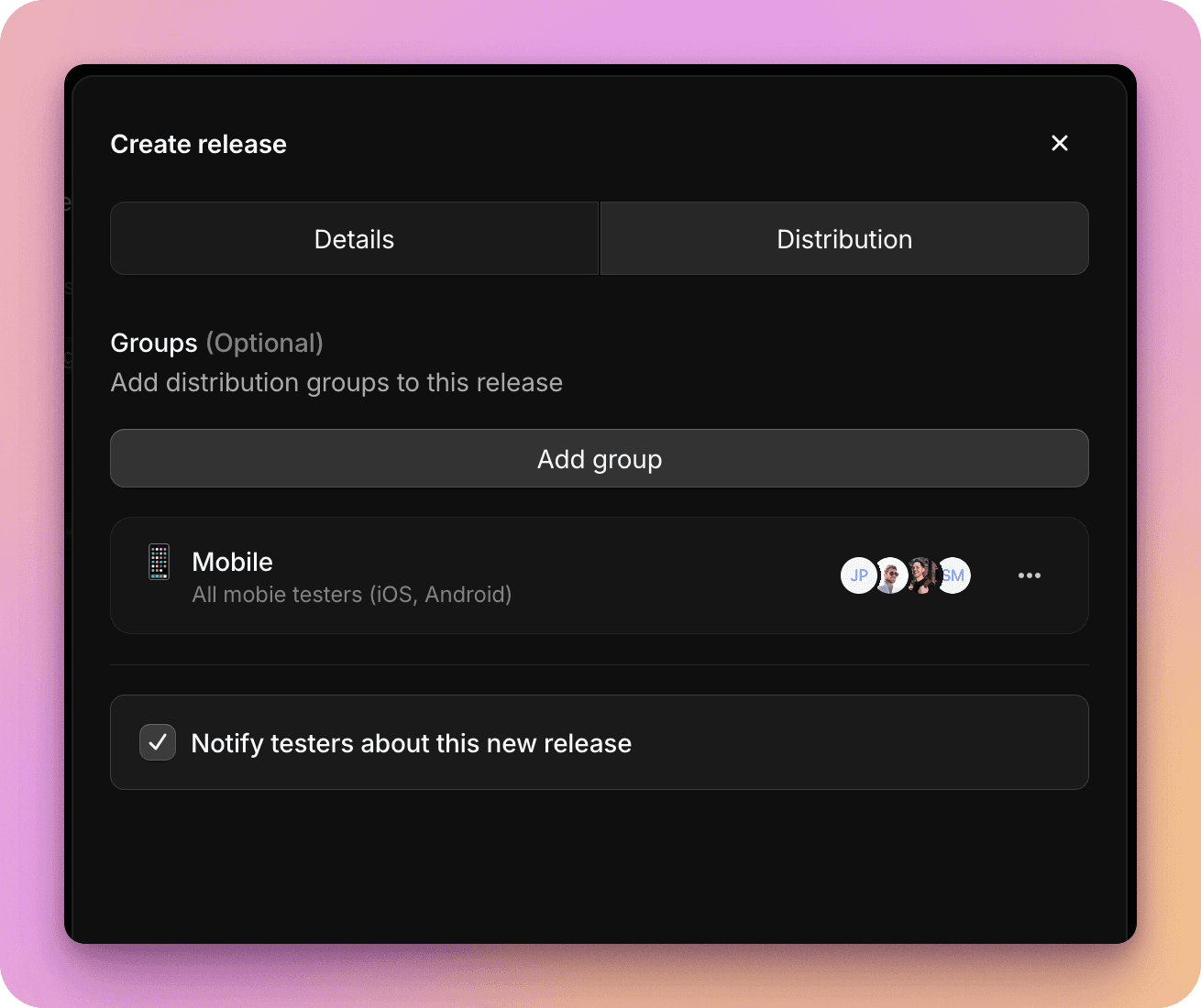
- When creating a new release, under the second tab "Distribution" you can add all the groups you'd like to share this release with, and optionally whether you'd like all group members to be notified via email now that the release is available.
-
To share an existing release with a group, navigate to the release within your workspace, and select the "Groups" tab. Here you can see groups that currently have access to the release, and add more groups. Optionally you can notify group members who are newly granted access to this release via email.
-
When managing the release, you can also remove a group, which will unshare the release with that group. Group members will immediately lose access (unless they have access to the release via another means, such as being a workspace member), and any active download links shared via the group may break.
Experience for group members
When you share a release with a group, all members will receive an email notifying them of the new release - unless they have already had this release shared with them previously. For example, if they're a member of 2 groups, and you share the release with both, this ensures they only receive a single email.
The notification email includes summarised release notes, and a direct link to download. The download link in this email is unique to the recipient and is signed for their specific email address. They can access it, and download the app build, without requiring any user account or sign in.
If you would like more control over the distribution flow - for example, having a branded space to share entire build streams or releases, which you can host on your website; or to require user authentication to access, then our Portals feature may be a better fit.