Custom targets
Define your own custom target platforms
This feature is available to users on our Ultra plan and up.
Introduction
While Buildstash natively supports over 80 platforms, sometimes you may wish to define your own. This is where "custom targets" come in.
When you define a custom target, you define it a "child" of one of our built-in platforms (whether "Android", "Linux, or "Generic", etc).
Some examples of where this may be useful:
- A mobile app targeting multiple Android app stores, where "Android" as a platform isn't flexible enough, you could use a custom target for each store target
- An Android distro targeting lots of different devices - where each individual device is a custom target
- A Windows PC game targeting multiple stores with a distinct binary for each
- Firmware targeting a range of custom devices
As custom targets are only available on the Ultra plan and up, if you don't have access, you can achieve many of the same organization and filtering capabilities using Labels as a workaround.
Creating and managing targets
You can define custom targets at both the Workspace level (to be accessible to all applications in the workspace) or Application level (to be used in only that application).
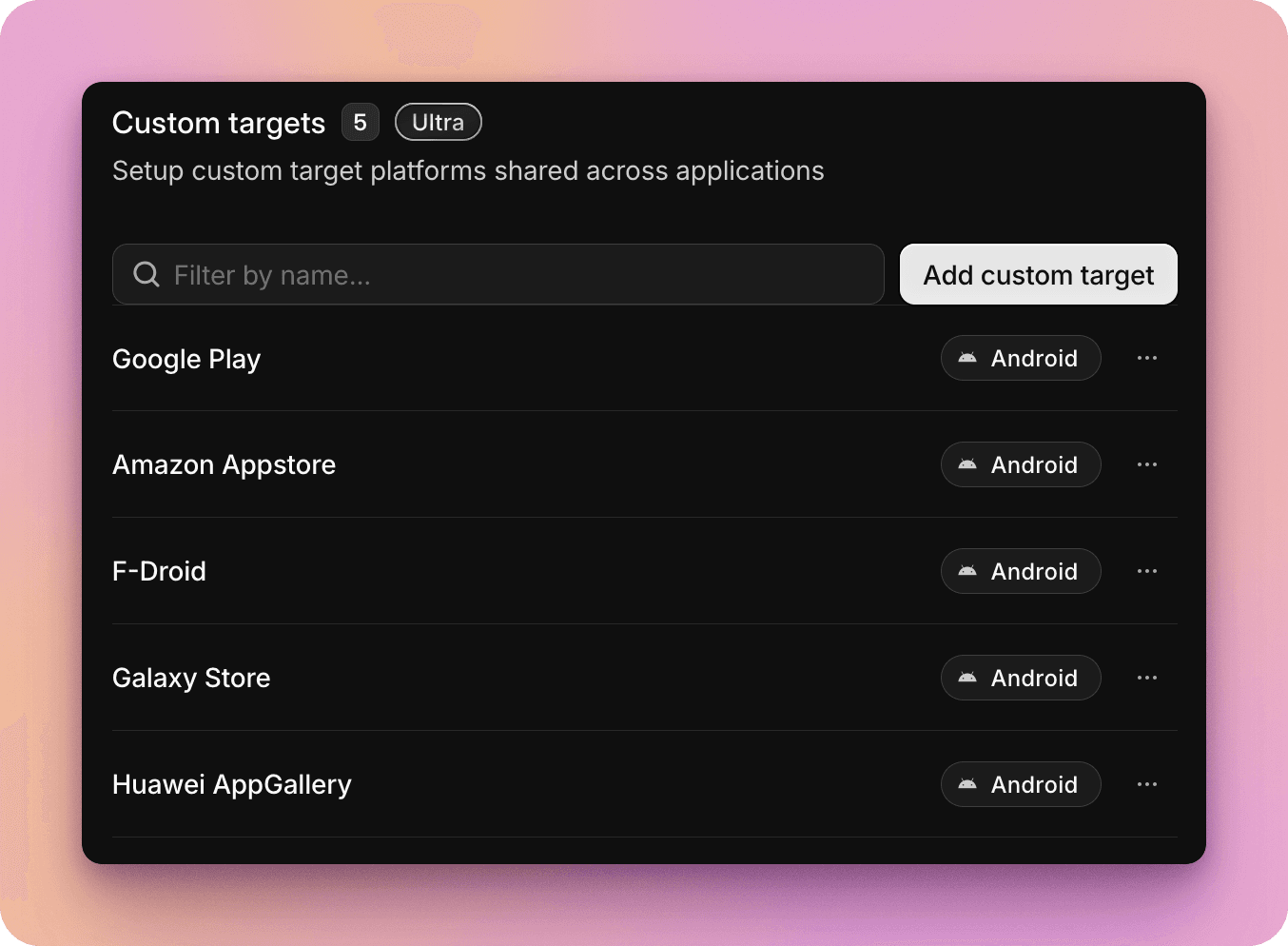
If you have a custom target defined at the Workspace level, it will become available at the Application level where the Platform associated with the target is also attached to the Application.
If you create a target for an application, and then later want to share it across your workspace, you can also "promote" it later.
Using custom targets
Where custom targets are available on your Application, you will be able to define the target associated with a build when uploading it via the web interface, via API, or when editing the build.
Filtering by custom target
When custom targets are in use for a particular application, it will also show as an available filter in the application builds page.