Custom storage
Configure a self-hosted storage bucket for your builds
This feature is available to users on our Pro plan and up.
Introduction
When you create a new application, by default you can upload builds into our hosted cloud storage. The amount of hosted storage you are provided varies based on your subscription plan.
If you prefer, you can instead connect self-hosted storage buckets to store your builds. Right now we support S3-compatible storage buckets, with documented support for AWS S3 and Cloudflare R2.
Pre-requisites
To use a self-hosted storage bucket for your application, you need to start with an application with no builds yet uploaded. So, it is recommended to set this up immediately after creating a new application, if you prefer to use custom storage. This option will also become available however for any application with no builds, including where any previous builds have been deleted.
Migrate existing builds
We don't yet have a migration tool to move existing application builds over from a hosted to self-hosted bucket. If you wish to move an application to self-hosted, it is advised to create a new application and begin storing new builds from that point onwards in your self-hosted bucket.
Connecting custom storage
To connect a custom storage bucket, go to your application settings > Storage > Configure storage.
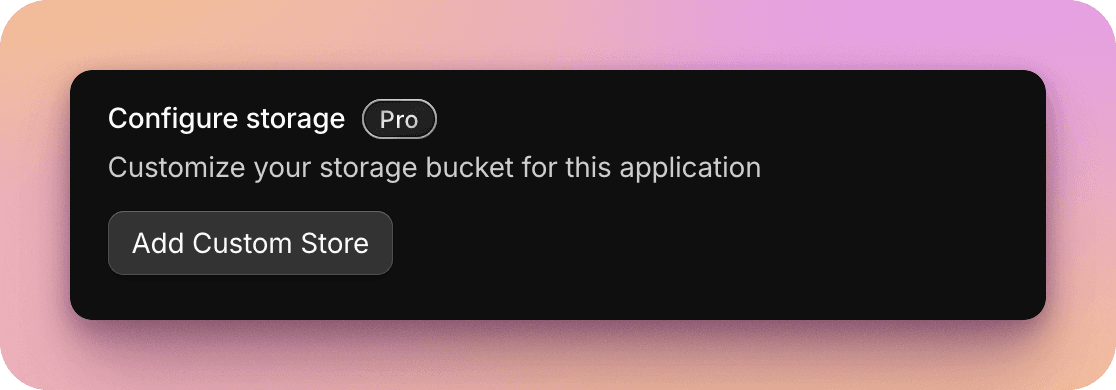
Please find detailed instructions for configuring the connection to your custom storage bucket below.