Managing builds
Learn how to manage your builds in Buildstash
Uploading builds
Once you've created your first application, you can get started uploading and managing builds.
It's intended to be as easy as possible for you to get builds into Buildstash wherever you make them.
Web uploader
Upload builds via the web uploader
Connect CI/CD
Upload builds via CI/CD
Uploading via API
Use our API to upload and build your own integrations
Build context and metadata
Builds can be stored with a lot of helpful metadata, and context of where the build came from, or its stage within a workflow:
- Semantic version, and a build number (in any custom format)
- Platform, stream, labels, and supported architectures
- For some platforms, including iOS and Android, build data automatically extracted from the package (such as such as signing key type, bundle identifier, etc)
- Source context: SCM host, repository, branch, commit
- CI/CD context: CI/CD source, job run, build duration, log
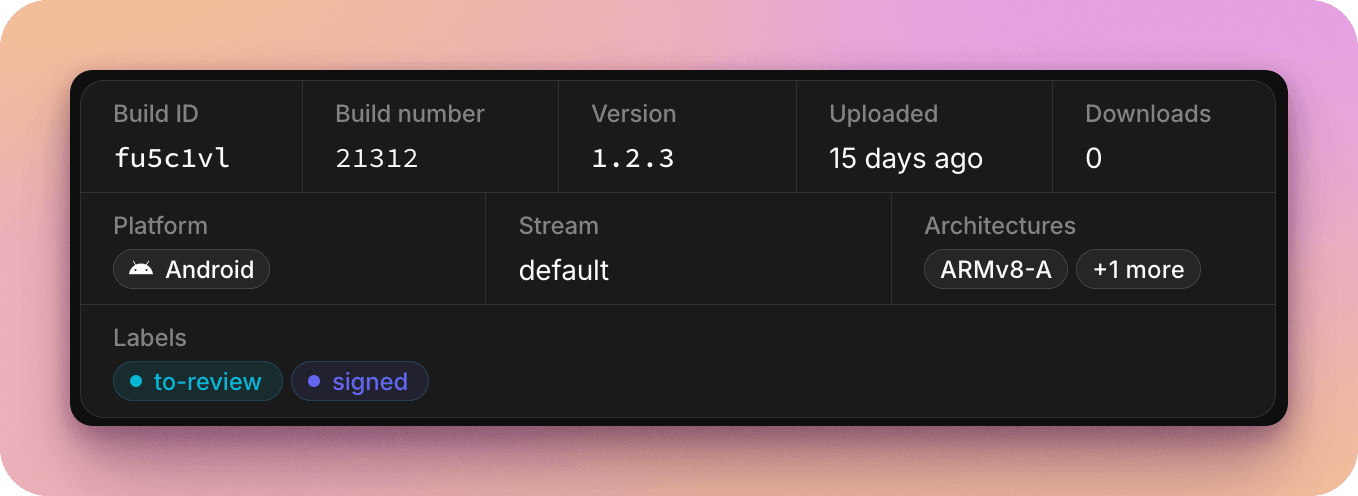
Such metadata may be provided via the web uploader, passed in via CI/CD integrations, via the API, or automatically extracted from the build package.
Organizing builds
There are multiple ways of organizing your builds to fit your workflow.
A build targets a specified platform. We have explicit support for over 80 platforms to help you organize, but you can also fallback to the "Generic" platform for full flexibility, and/or use custom targets to define your own.
All builds are organized into a single stream. These are customizable as you prefer, but for example could include a streams like nightlies, beta, stable, production, etc.
Builds can have multiple labels attached. Again labels are fully customizable, but could include things like "pending-review", "approved", "rejected", "staging", "sent-to-client", etc.
Sorting and searching
You may be sending builds into Buildstash via multiple sources, across multiple different streams, whether nightlies, test builds, etc.
We want to make it as easy as possible to organize and retrieve specific builds.
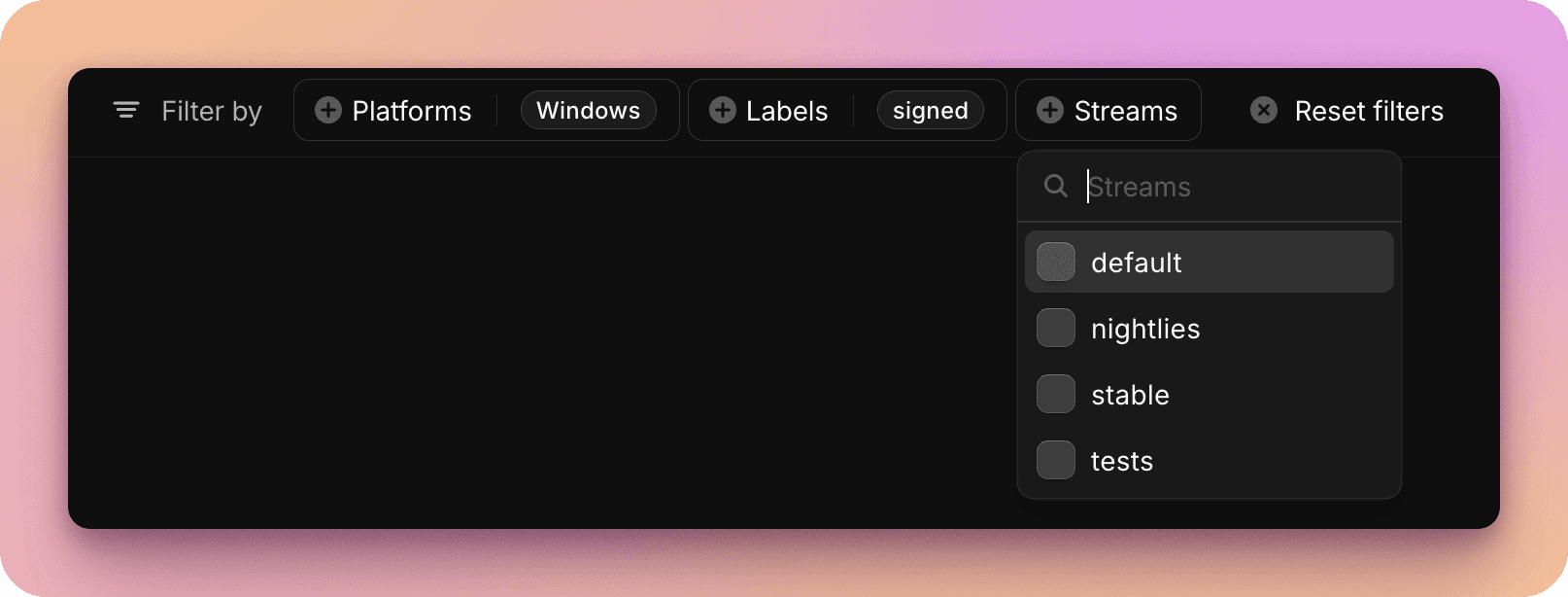
You can filter builds by a number of relations including:
- Platform (or custom target)
- Stream
- Label
You may also want to find a build via its association with a release.
And, it may be helpful to sort builds by fields including version, uploaded date, etc.
Updating build data
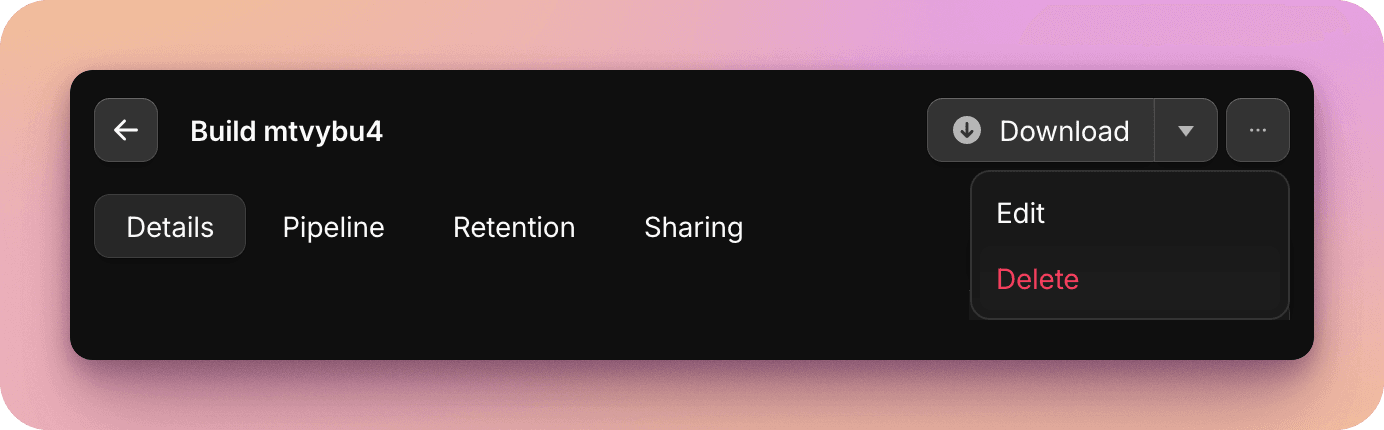
It's easy to update many fields relating to a build post upload, including version, labels, etc. You can edit a build by selecting it in the builds table to open the build modal, and selecting "Edit".

Deleting builds
You can manually delete a build via the build modal. You can also setup automated retention policies by stream.
Attaching to releases
To distribute your builds to users you can additionally attach them to a release, allowing you to attach release notes, and publish via distribution groups or portals.