Your account
Manage your personal Buildstash account settings
Introduction
You can manage your personal account settings, via selecting your avatar in the bottom left corner of the web interface, and "Account settings".
Under account settings you can manage your security settings, including updating your email address and password, and may configure two-factor authentication to secure your account.
Under the "Security" tab you can see currently enabled SSO options. Selecting "Add enterprise SSO", if available, will list SSO connections available to you via workspaces you are a member of.
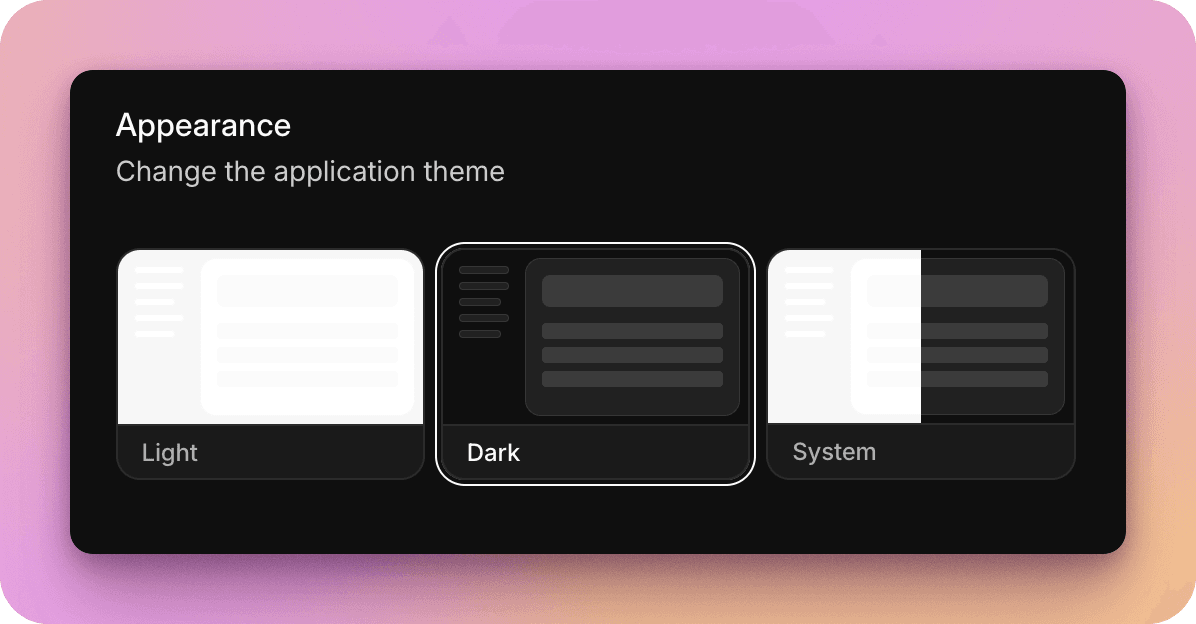
Appearance
You can toggle between light and dark mode at your preference!