Sharing builds and releases
Share and distribute to collaborators, testers, and users
Sharing with your team
Workspace members can access builds and releases according to their permissions.
Every build and release has an internal share link attached, which can found under the "Sharing" tab in your build or release summary, and used as a quick shortcut to download the build or release.
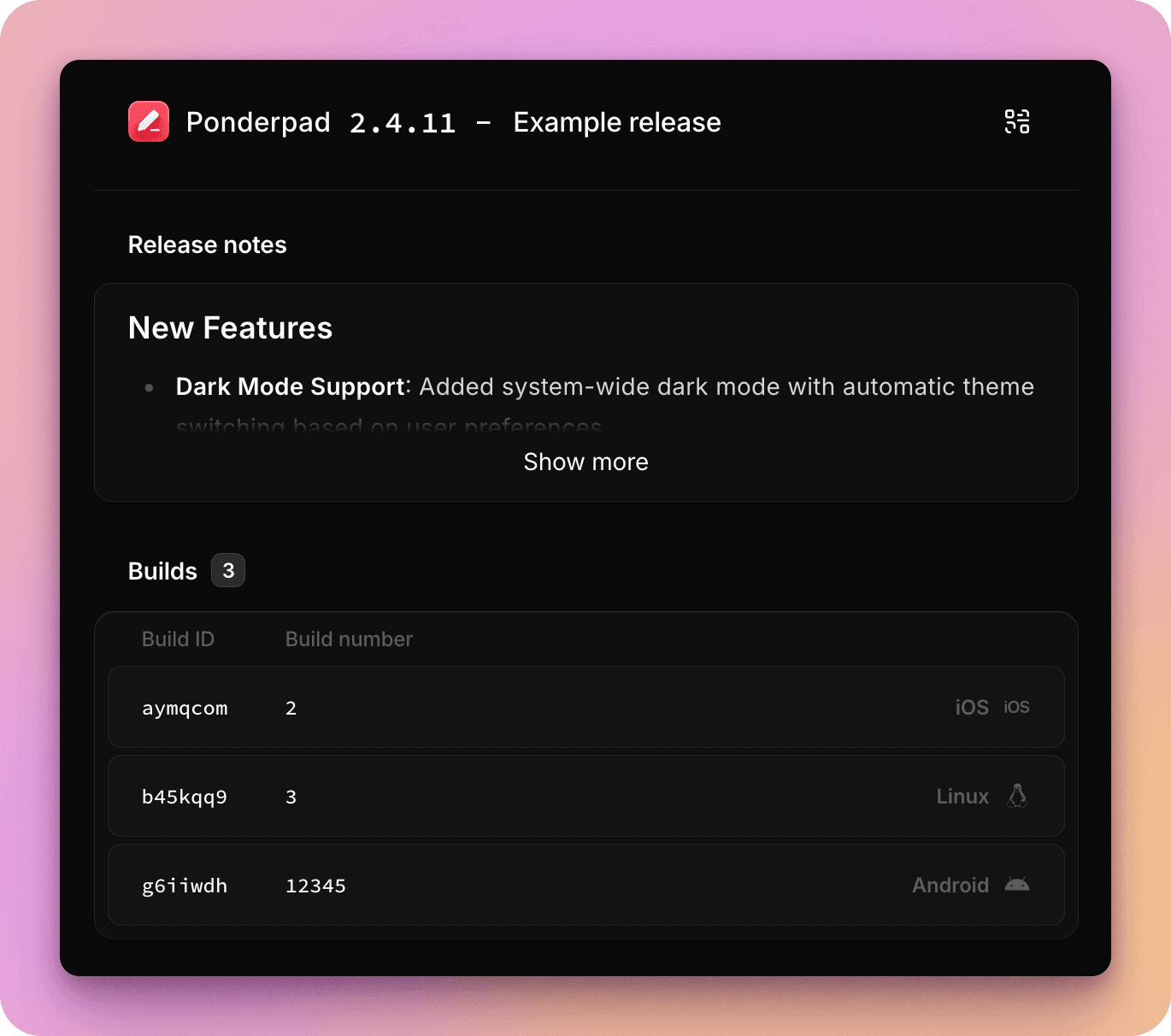
Public share links
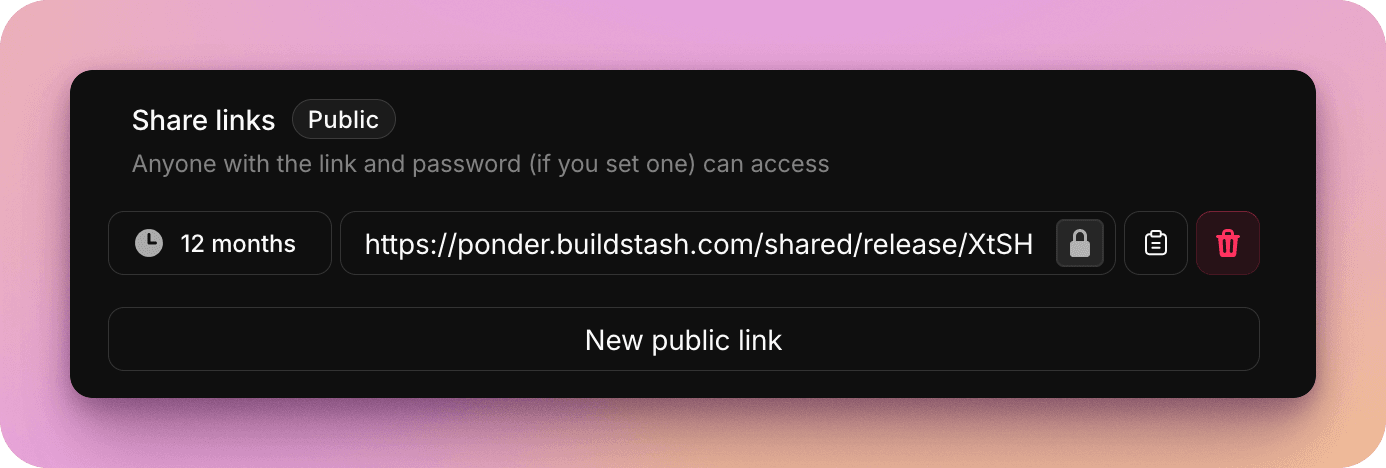
To quickly share a build or release with someone outside of your workspace, you can create a "public" share link.
You can have multiple share links per build or release, and each link can optionally be password protected, or have an expiry date set.
Options for automated sharing and distribution
There are numerous other options for automating sharing of your builds, or for wider distribution:
- Create an automation to notify workspace members, a Slack channel, or webhook of new builds or releases
- Use distribution groups to publish releases to an email list
- Use portals to share build streams and/or releases via a branded interface you can host on your website