GitHub Actions
Uploading build artifacts from your GitHub Actions workflows
Create API token
To upload builds using this CI integration you'll need to create an application specific API token, via the standard steps.
Add Buildstash action
Go to the Buildstash action page on the GitHub Marketplace.
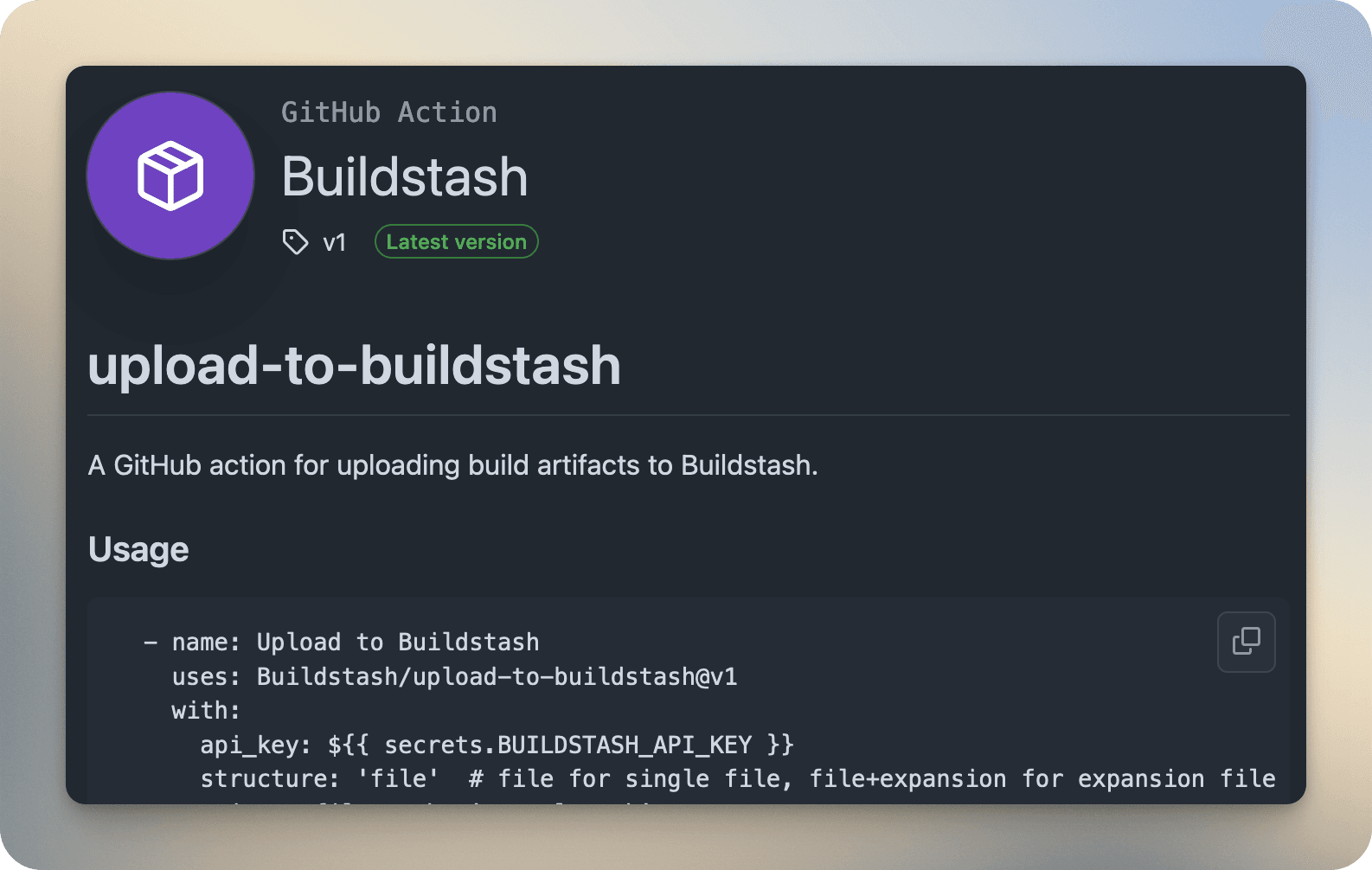
You can copy and paste the provided code into your workflow yaml script.
Take the Buildstash application API key you previously created, and store it as a "Actions" secret.
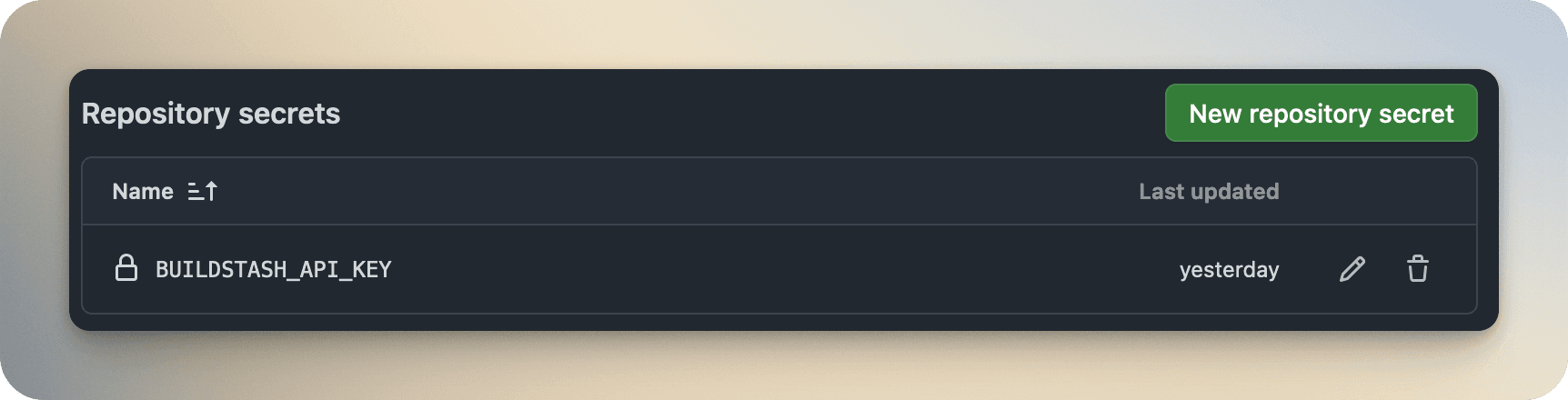
Note, as you'll be using an application-specific Buildstash API key (required to upload builds for particular app) you likely want to store this secret on your GitHub repository level, rather than workspace.
Update the action inputs to pass in your project and run specific values. See "Inputs" table below for more detail.
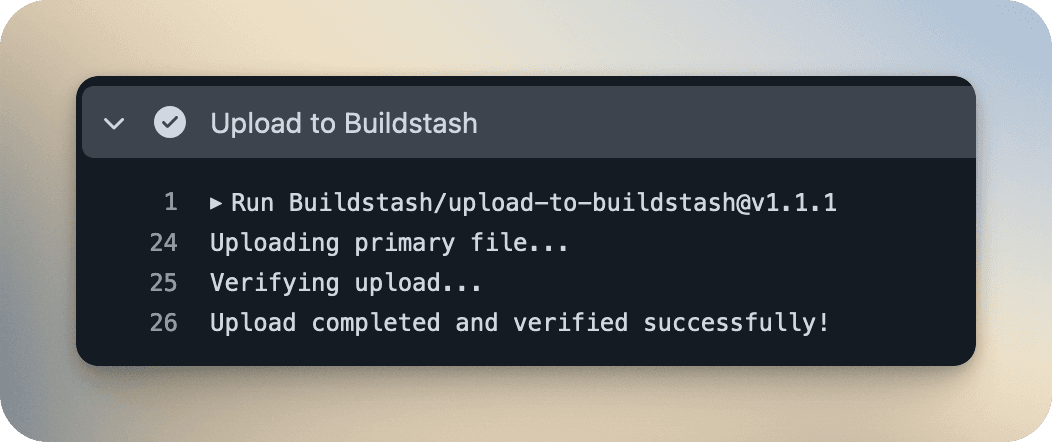
Successful GitHub Actions runs will now be sending your builds into Buildstash. Welcome to artifact management actually designed for apps.
Inputs
A breakdown of all required and optional inputs for the GitHub action.
| Input Name | Required? | Description |
|---|---|---|
| api_key | Yes | Application specific API Key, should be stored and pass in as a secret |
| structure | Yes | Structure type. Either `file` (for single file build) or `file+expansion` (for a primary build file with a single expansion file, i.e. apk + obb) |
| primary_file_path | Yes | Path to the primary file to upload |
| expansion_file_path | No | Path to an expansion file to be paired with primary (optional) |
| version_component_1_major | Yes | Major version component |
| version_component_2_minor | Yes | Minor version component |
| version_component_3_patch | Yes | Patch version component |
| version_component_extra | No | Extra version component (optional). Pre-release label like 'beta' or 'alpha' |
| version_component_meta | No | Meta version component (optional). Can be used to add additional metadata to your version, such as data 2025.01.01) |
| custom_build_number | No | Allows a flexible format custom build number if you have one. (Optional) |
| labels | No | Array of labels to attach to build (will be created if they do not already exist) |
| architectures | No | Array of architectures this build supports (must be supported by platform) |
| ci_pipeline | No | CI pipeline name |
| ci_run_id | No | CI run ID |
| ci_run_url | No | CI run URL |
| ci_build_duration | No | CI build duration |
| vc_host_type | No | Version control host type |
| vc_host | No | Version control host |
| vc_repo_name | No | Repository name |
| vc_repo_url | No | Repository URL |
| vc_branch | No | Branch name |
| vc_commit_sha | No | Commit SHA |
| vc_commit_url | No | Commit URL |
| platform | Yes | Platform slug (see list here for reference) |
| stream | Yes | Stream - the exact name of the stream on your app this build will be sent to |
| notes | No | Build notes (optional) |
Outputs
A breakdown of outputs the GitHub action provides.
| Output Name | Description |
|---|---|
| build_id | Buildstash ID associated with the newly created build |
| pending_processing | Whether the build is pending additional processing on server (typically iOS or Android builds) |
| build_info_url | URL to view the build information on Buildstash |
| download_url | URL to download the build on Buildstash (requires authentication in workspace and permission to access build) |