Azure DevOps Pipelines
Uploading build artifacts from your Azure DevOps pipeline
Create API token
To upload builds using this CI integration you'll need to create an application specific API token, via the standard steps.
Install Buildstash extension to your organization
Go to the Buildstash extension in the Visual Studio Marketplace for Azure Pipelines.
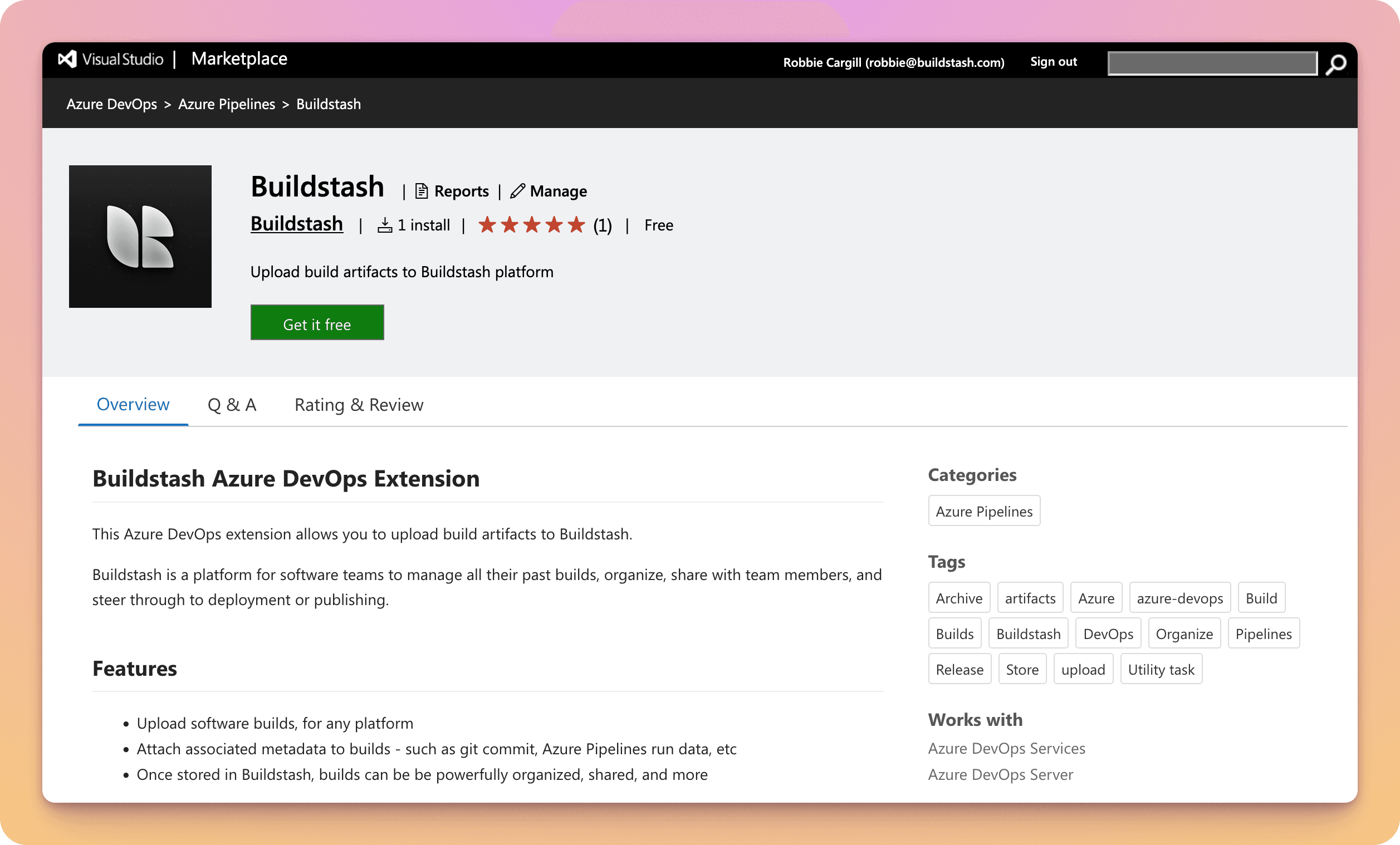
Select "Get it free" to install.
Select the organization you'd like to install the extension on from the dropdown.
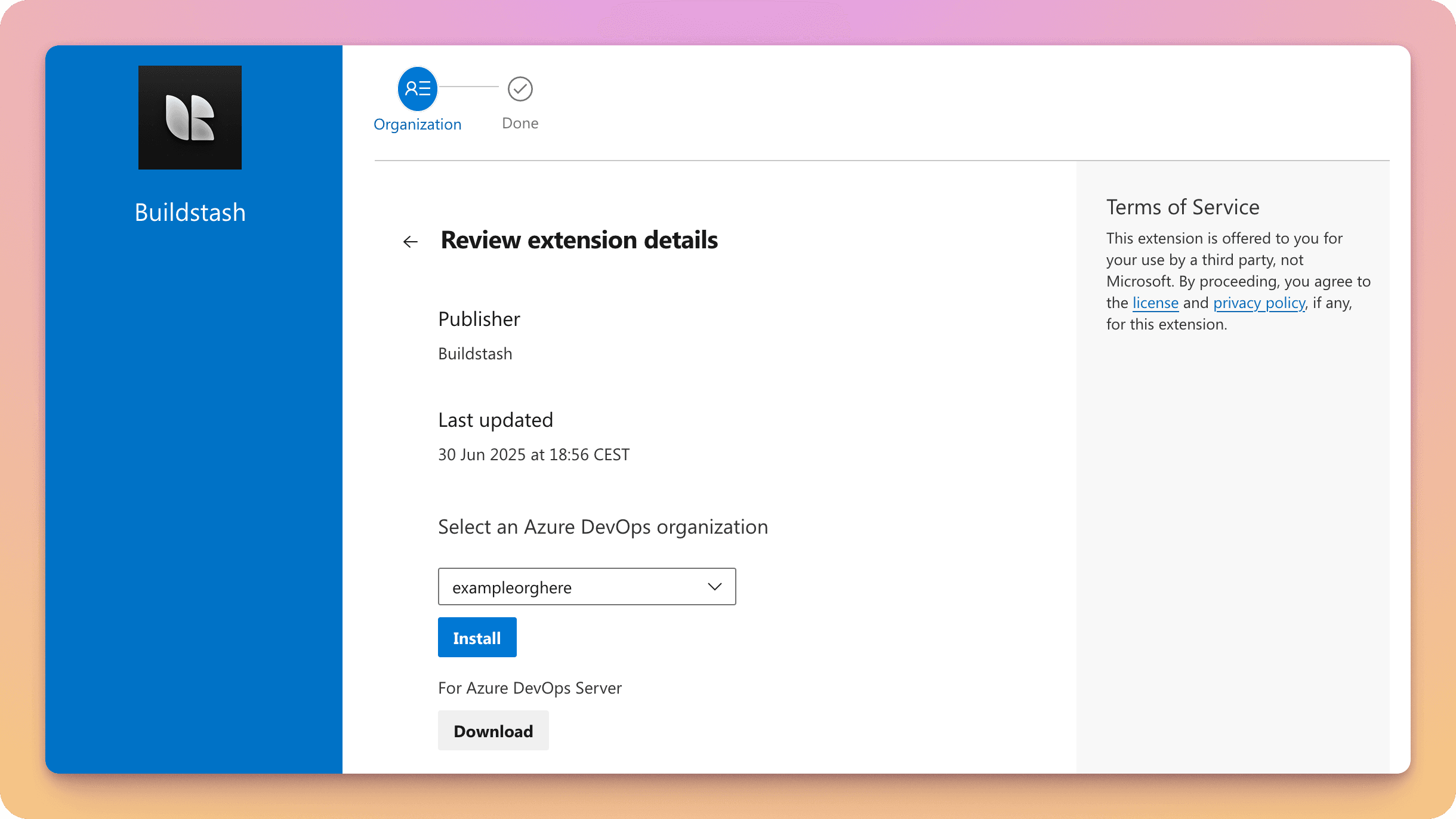
Alternatively, if you're using Azure DevOps Server, select "Download".
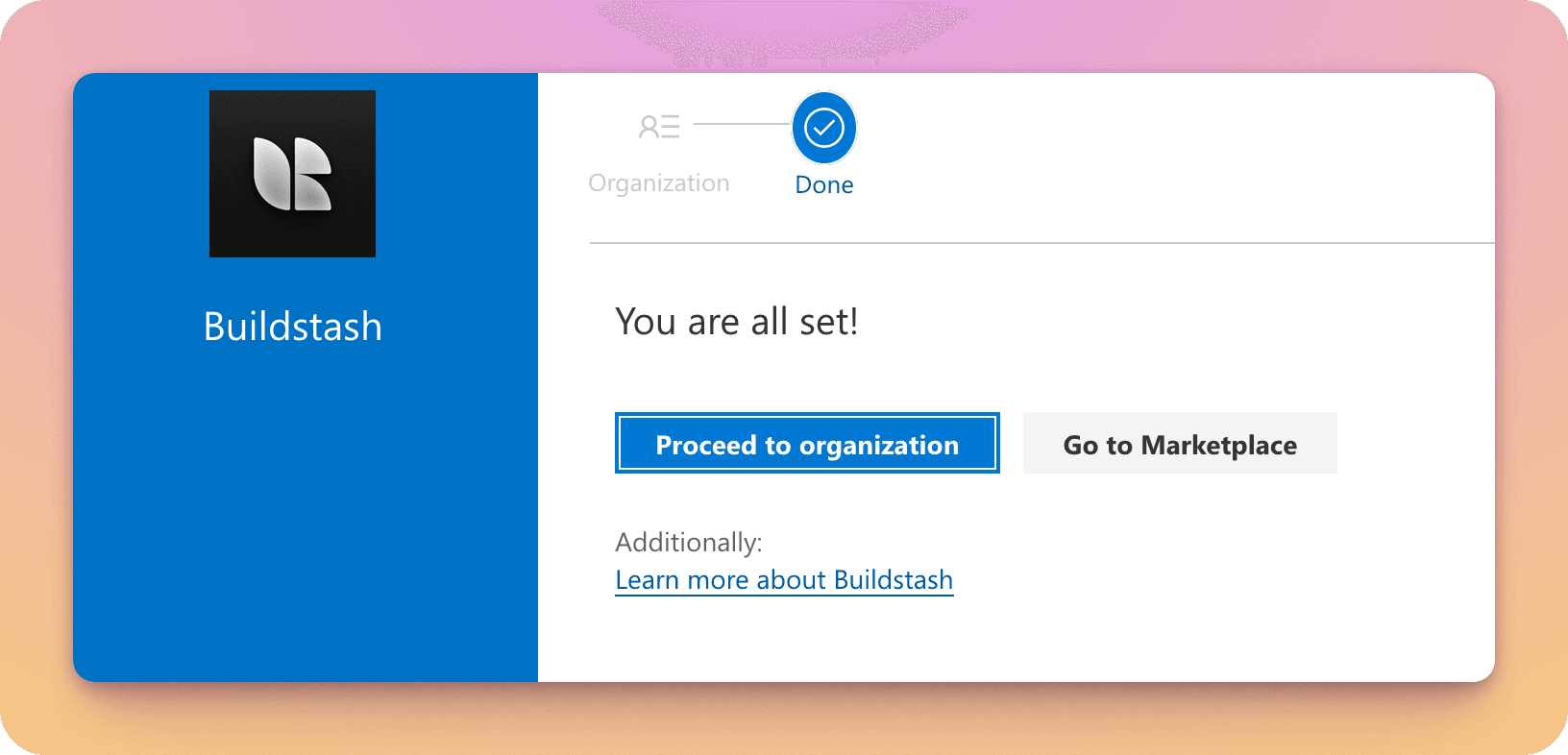
Once the extension is installed you'll be able to proceed to using it in your pipelines.
Add action to your pipeline
You can copy and paste the provided code into your pipeline yaml script. Set your file paths, platform, stream, and version fields as applicable. See further down for a full list of inputs with descriptions.
- task: BuildstashUpload@1
    displayName: Upload to Buildstash
    inputs:
      apiKey: $(BUILDSTASH_API_KEY)
      structure: 'file'
      primaryFilePath: 'example.exe'
      versionComponent1Major: '1'
      versionComponent2Minor: '0'
      versionComponent3Patch: '1'
      versionComponentExtra: 'beta'
      versionComponentMeta: '2024.12.02'
      customBuildNumber: '12345'
      platform: 'windows'
      stream: 'default'

      # Optional CI info
      ciBuildDuration: '15m30s'

      # Optional VC info
      vcHostType: 'git'
      vcHost: 'github'
      vcRepoName: $(Build.Repository.Name)
      vcRepoUrl: $(Build.Repository.Uri)
      vcBranch: $(Build.SourceBranchName)
      vcCommitSha: $(Build.SourceVersion)
vcCommitUrl: $(Build.Repository.Uri)/commit/$(Build.SourceVersion)When editing your Pipeline, go to "Variables" and add a new variable.
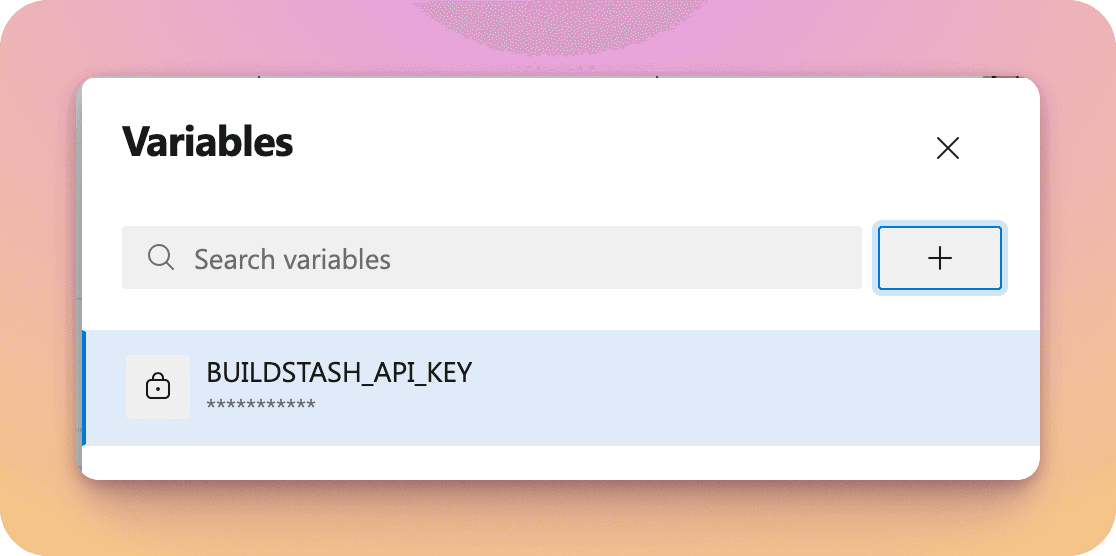
To match the sample code above, call the API key BUILDSTASH_API_KEY, paste in your previously generated key, and ensure you select "Keep this value secret".
Note, the API key is application-specific, i.e. matched to one application in Buildstash. So you'll want to generate a unique API key for each pipeline and application.
By default Azure DevOps will timeout jobs after 60 minutes.
This is probably fine, but if you are uploading a particularly massive build, or have a slow connection, you may wish to tweak this.
This is done on the job as below:
jobs:- job: TesttimeoutInMinutes: 60 # how long to run the job before automatically cancelling in minutes - increase if needed for large uploadsRefer to Azure docs for more detail.
Once the build is successfully uploaded, some useful information is provided by the task as outputs. For example, the URL to download the build directly. See below for a full list of outputs.
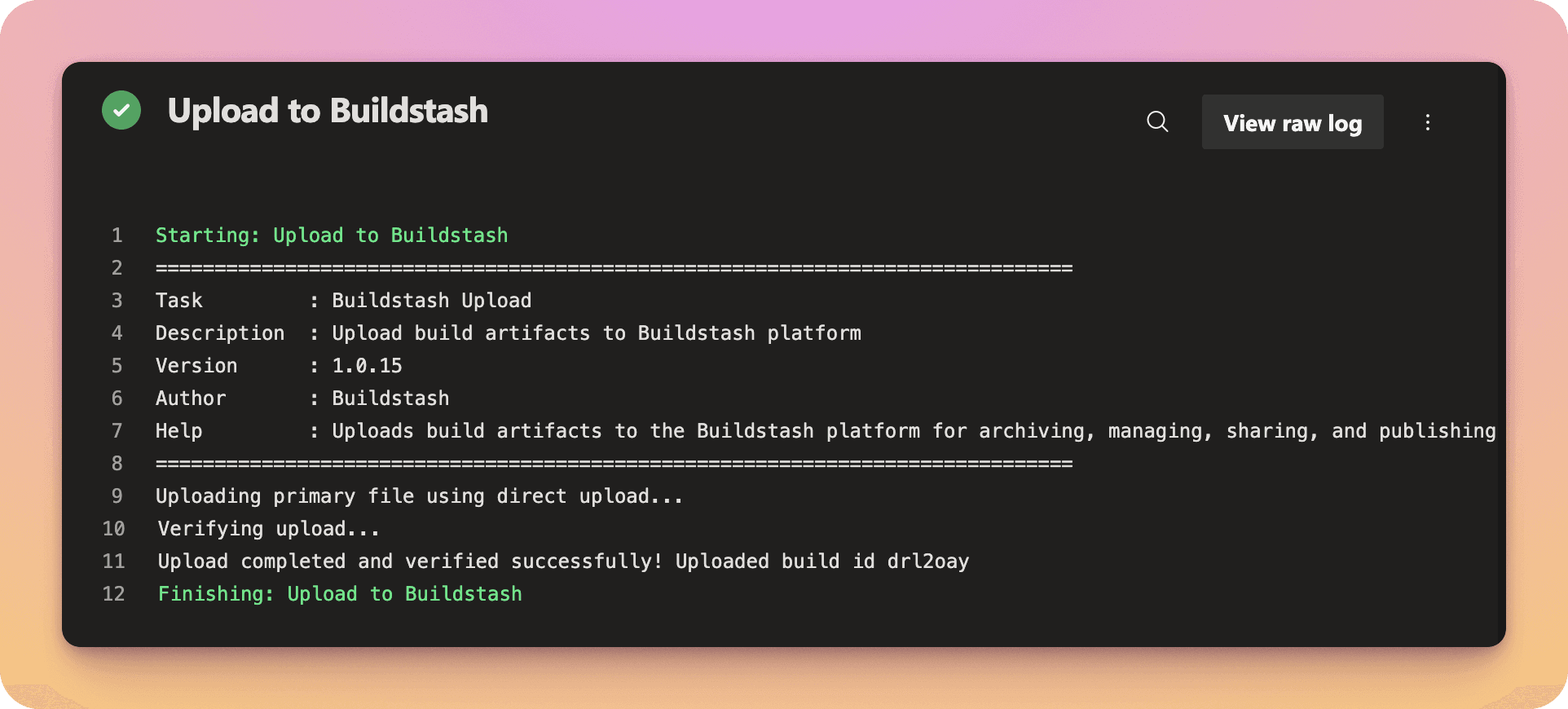
Successful Pipeline runs will now be sending your builds into Buildstash, giving you seamless management, organization, and distribution of your builds.
Inputs
A breakdown of all required and optional inputs for the Buildstash upload task.
| Input Name | Required? | Description |
|---|---|---|
| apiKey | Yes | Application specific API Key, should be stored and pass in as a secret |
| structure | Yes | Structure type. Either file (for single file build) or file+expansion (for a primary build file with a single expansion file, i.e. apk + obb) |
| primaryFilePath | Yes | Path to the primary file to upload |
| expansionFilePath | No | Path to an expansion file to be paired with primary (optional) |
| versionComponent1Major | Yes | Major version component |
| versionComponent2Minor | Yes | Minor version component |
| versionComponent3Patch | Yes | Patch version component |
| versionComponentExtra | No | Extra version component (optional). Pre-release label like 'beta' or 'alpha' |
| versionComponentMeta | No | Meta version component (optional). Can be used to add additional metadata to your version, such as data 2025.01.01) |
| customBuildNumber | No | Allows a flexible format custom build number if you have one. (Optional) |
| labels | No | Array of labels to attach to build (will be created if they do not already exist) |
| architectures | No | Array of architectures this build supports (must be supported by platform) |
| ciBuildDuration | No | CI build duration |
| vcHostType | No | Version control host type |
| vcHost | No | Version control host |
| vcRepoName | No | Repository name |
| vcRepoUrl | No | Repository URL |
| vcBranch | No | Branch name |
| vcCommitSha | No | Commit SHA |
| vcCommitUrl | No | Commit URL |
| platform | Yes | Platform slug (see list here for reference) |
| stream | Yes | Stream - the exact name of the stream on your app this build will be sent to |
| notes | No | Build notes (optional) |
Outputs
A breakdown of outputs the task provides.
| Output Name | Description |
|---|---|
| buildId | Buildstash ID associated with the newly created build |
| pendingProcessing | Whether the build is pending additional processing on server (typically iOS or Android builds) |
| buildInfoUrl | URL to view the build information on Buildstash |
| downloadUrl | URL to download the build on Buildstash (requires authentication in workspace and permission to access build) |